A new website rarely goes off course because of WordPress itself. More often, it stalls because the business has not agreed on what the site needs to accomplish, which content belongs on it, or who will provide approvals. This guide to WordPress website planning gives business leaders a practical way to make those decisions before design and development begin.
A well-planned WordPress website is more than an online brochure. It should present the organization clearly, support sales or inquiries, reinforce the brand, and give staff a manageable foundation for future updates. Planning creates the structure that makes all of that possible.
Start With Business Goals, Not a Page List
It is tempting to begin with a list of pages: Home, About, Services, Contact. Those pages may be necessary, but they do not explain why someone should visit, what they should do next, or what makes the organization credible.
Begin by identifying the site’s primary job. For a professional service firm, that may be generating qualified consultation requests. A manufacturer may need to make capabilities and specifications easy for buyers to find. A nonprofit may need to support donations, volunteer inquiries, and program awareness. A restaurant may prioritize menus, reservations, locations, and event details.
Choose one primary conversion action and a small number of secondary actions. A conversion can be a form submission, phone call, appointment request, quote request, purchase, donation, or newsletter signup. If every page asks visitors to do five different things, the path becomes less clear.
It also helps to define how success will be measured. Useful measures might include form inquiries, phone calls, downloads, online orders, or time spent on key service pages. These decisions guide content, page layouts, calls to action, and the tools selected for the site.
Define the Audiences and Their Questions
Most organizations serve more than one audience. A healthcare practice may speak to prospective patients, referring providers, and job candidates. A business-to-business company may need to address purchasing managers, technical evaluators, and existing customers. Their priorities are not identical.
For each important audience, document three things: what they need, what may make them hesitate, and what information helps them act. A prospective customer may need pricing context, service details, examples of past work, and reassurance that the company is established. A job candidate may look for culture, benefits, and a simple application process.
This exercise prevents a common website problem: writing from the company’s point of view alone. Visitors do care about your history and capabilities, but they first need to understand whether you can solve their problem. Clear audience planning makes the site more useful without making it overly complicated.
Build the Site Structure Before Writing Copy
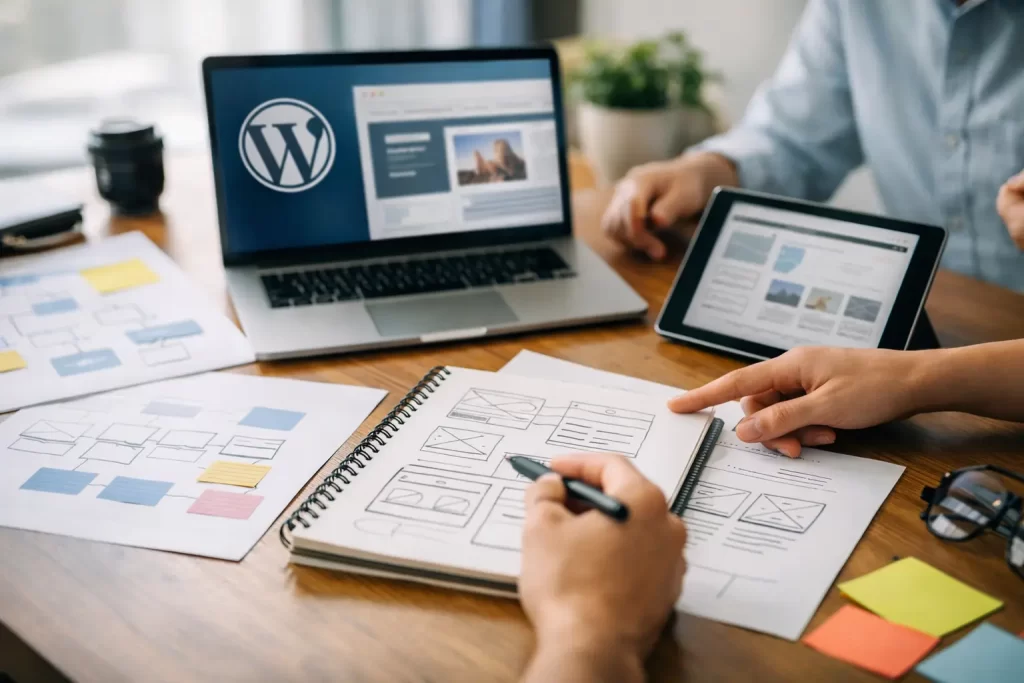
A sitemap is the organized list of pages your website will include and how they relate to one another. It is one of the most valuable planning documents because it reveals gaps, duplication, and navigation problems while they are still easy to correct.
A typical business site may include core pages for services, company information, contact details, and resources or news. Depending on the organization, it may also need portfolio work, industries served, locations, careers, event information, product categories, frequently asked questions, or secure customer resources.
Keep primary navigation focused. Visitors should be able to understand the main sections quickly, especially on a mobile device. Not every useful page belongs in the top menu. Supporting pages can be reached through service hubs, related-content sections, footer navigation, or clear internal pathways.
Plan Service Pages Around Real Decisions
Service pages deserve more thought than a short paragraph and a stock image. They often attract visitors who are actively comparing options or looking for a provider. Each page should explain the service in plain language, identify who it is for, describe the process or deliverables, and give visitors a credible next step.
Separate pages are worthwhile when services address distinct needs and have enough substance to stand on their own. Combining everything into one broad Services page may be appropriate for a small offering, but it can make a larger organization harder to understand. The right choice depends on how customers search, how sales conversations happen, and how different the services truly are.
Gather Content Early and Assign Ownership
Content is usually the longest part of a website project, not the final step. Strong photography, accurate service descriptions, leadership bios, case studies, logos, product information, and policy language all take time to collect and review.
Create a simple content inventory before the project starts. Note what can be reused, what requires revision, what must be written from scratch, and which person is responsible for supplying or approving it. This is especially helpful for organizations where marketing, leadership, sales, operations, and compliance all have a voice in the final website.
Original photography is often a worthwhile investment when people, facilities, products, or completed work are central to the buying decision. It gives the site a more credible and distinctive presence than generic imagery. Stock photography can still be useful for supporting visuals, but it should not substitute for proof of the work your organization actually does.
Plan for approvals as carefully as content production. Select a primary decision-maker, establish review stages, and consolidate feedback before it reaches the design or development team. Conflicting edits from multiple stakeholders are a frequent cause of delays and diluted messaging.
Choose WordPress Features With Restraint
WordPress is flexible, which is a benefit only when the site uses that flexibility purposefully. Start with required functions, such as contact forms, appointment requests, event calendars, e-commerce, donation processing, staff directories, document libraries, or protected areas. Then identify features that are genuinely helpful but not essential for launch.
Every added feature affects budget, testing, training, security, and future maintenance. A complex quote calculator may be valuable for a business with standardized inputs, but not if staff will need to manually correct every submission. A blog is useful when there is a realistic plan to publish thoughtful material regularly. If not, a focused resource section or a smaller set of evergreen articles may serve the business better.
The same principle applies to plugins. Select established, well-supported tools and avoid adding plugins simply because they offer an interesting effect. Fewer, better-managed components generally make a WordPress site easier to maintain over time.
Include SEO and Accessibility in the Planning Stage
Search visibility should influence how the website is organized and written, not be treated as a last-minute task. Identify the services, products, industries, and questions that matter most to prospective customers. Then create pages that address those topics directly and thoroughly, using natural language rather than repetitive keyword phrases.
Each major page needs a clear purpose, a descriptive page title, useful headings, and content that answers the visitor’s likely questions. Location-based pages can be appropriate when a business has real offices, service areas, or market-specific information. They should offer genuine value, not minor rewrites of the same page.
Accessibility also belongs in the early plan. Decisions about color contrast, readable type, heading structure, image descriptions, keyboard navigation, and form labels are far easier to handle during design and content development than after launch. Accessible design improves usability for a wider range of visitors and supports a more professional user experience.
Establish Brand Direction and Design Priorities
A WordPress website should look and sound like the organization behind it. Before visual design begins, gather current brand materials: logo files, color standards, typography, photography, printed collateral, advertising examples, and existing messaging. If these materials are inconsistent, the website project may reveal a need for broader brand refinement.
Design direction should support the business goal. A law firm may need a calm, authoritative presentation. A hospitality brand may need visual warmth and an easier route to bookings. A technical company may need diagrams, specifications, and a structure that makes complex information easier to absorb. Attractive design matters, but clarity and credibility matter more.
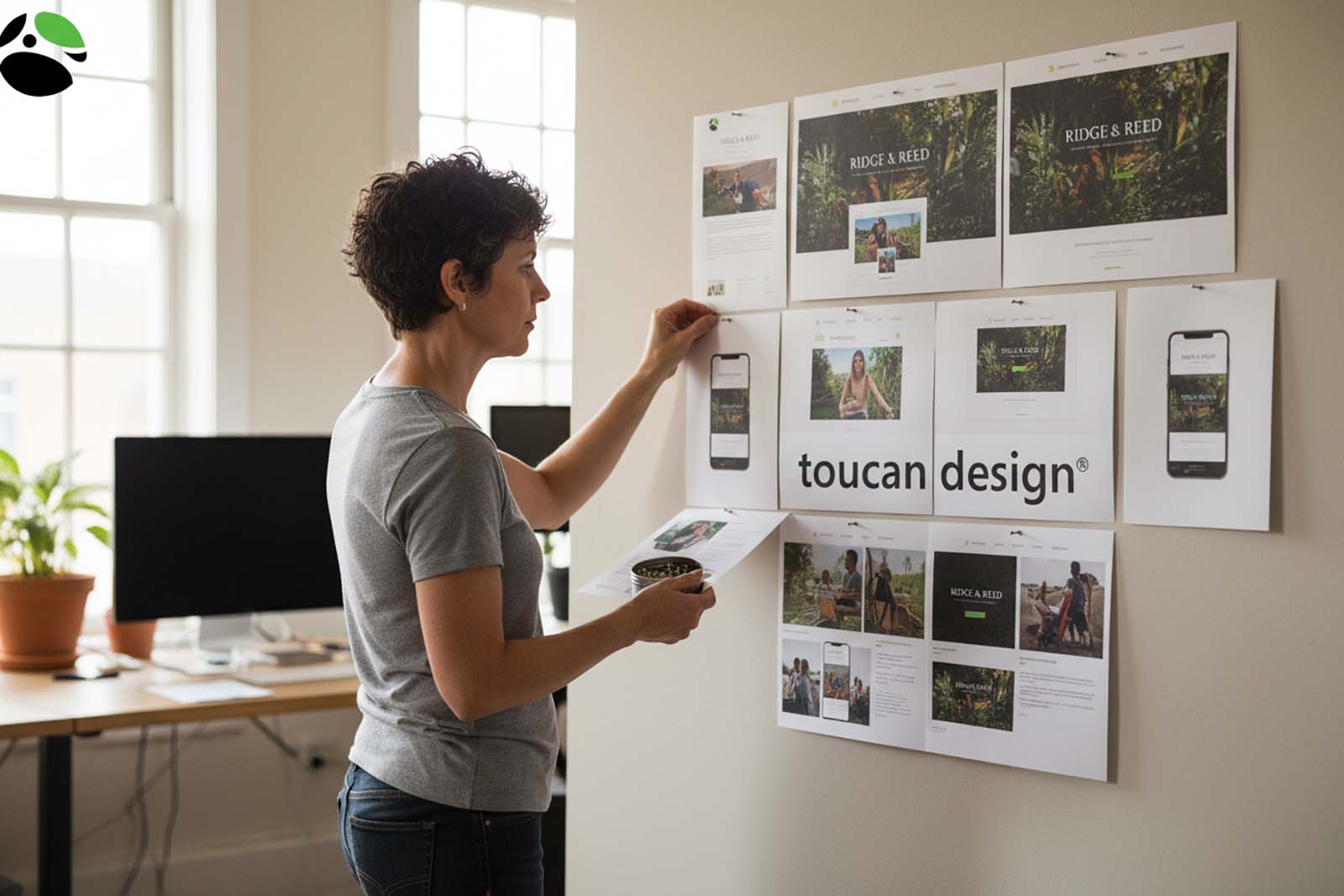
Toucan Design approaches websites as part of a larger communications system, so a site can align with the brand materials, sales tools, print pieces, and marketing campaigns a business already uses. That consistency helps customers recognize the organization wherever they encounter it.
Plan for Launch and Ongoing Care
Launch day is not the end of website planning. Decide who will manage routine updates, review form submissions, publish content, monitor security, and renew any required services. WordPress remains a practical long-term platform when core software, themes, plugins, backups, and security practices receive regular attention.
Before launch, test the site on phones, tablets, and desktop screens. Review contact forms, links, search functions, menus, downloadable documents, and confirmation messages. Ask someone unfamiliar with the project to complete a common task, such as finding a service or requesting information. Their experience often exposes unclear labels or missing details that the project team has stopped noticing.
A thoughtful guide to WordPress website planning does not require every future decision to be made upfront. It gives your organization a clear starting point, a sensible launch scope, and a site that can grow as priorities change. The best next step is to gather the right people, agree on the site’s job, and make each page earn its place.